Windows desktop app · free
A hive of tools
for work and play
Documents and spreadsheets, live game subtitle translation, AI that runs on your own PC, news, music, markets and more — in one calm dashboard you arrange yourself.
- macOS planned
- Android planned
- iOS planned
Windows 10 and 11, 64-bit · signed automatic updates · no account needed to try
See it working
BEEFFICE, as it really looks
Real screens from the app — not mock-ups.
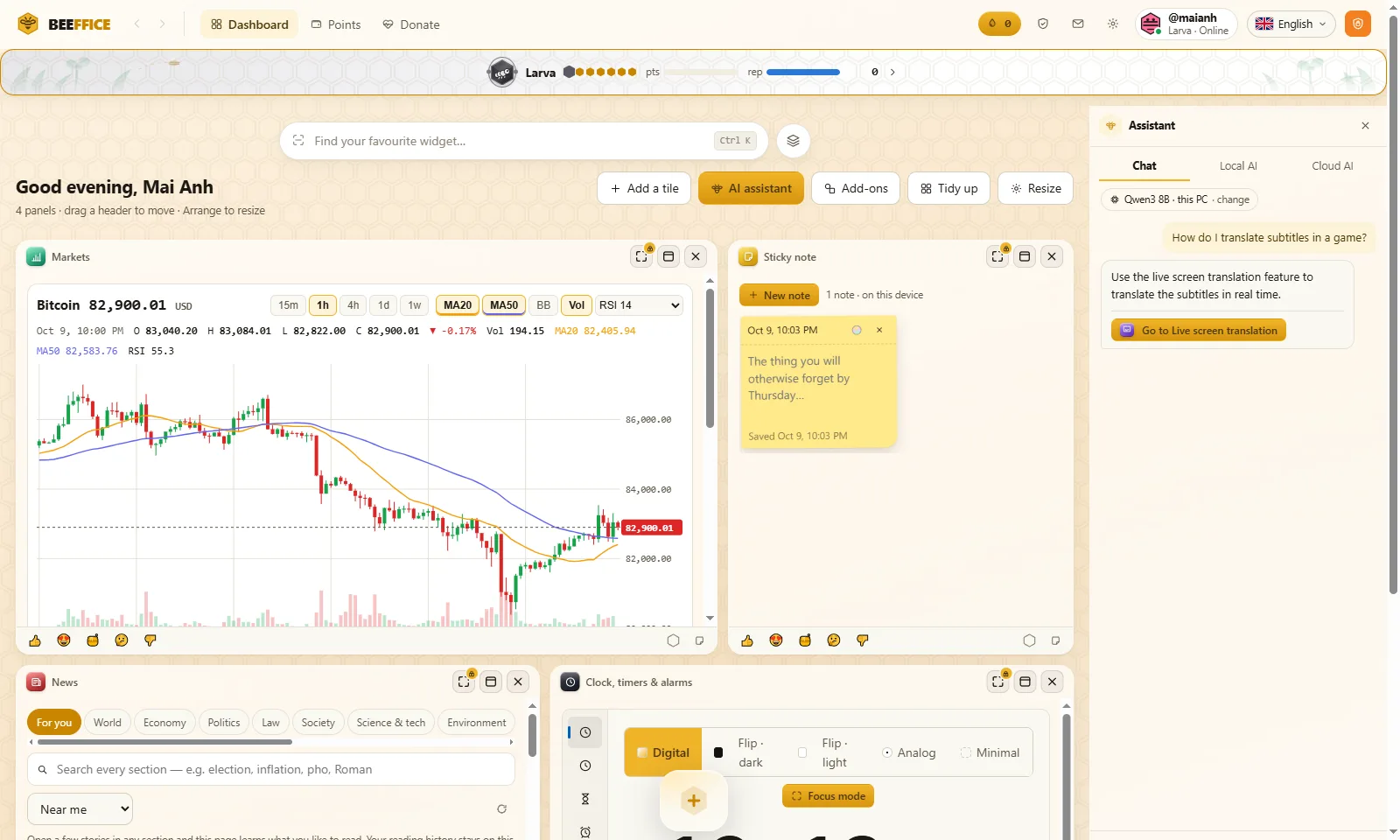
Your dashboard, with an assistant that knows it
Arrange panels your way. Ask the assistant anything — it answers and takes you to the right panel, running on your own PC.
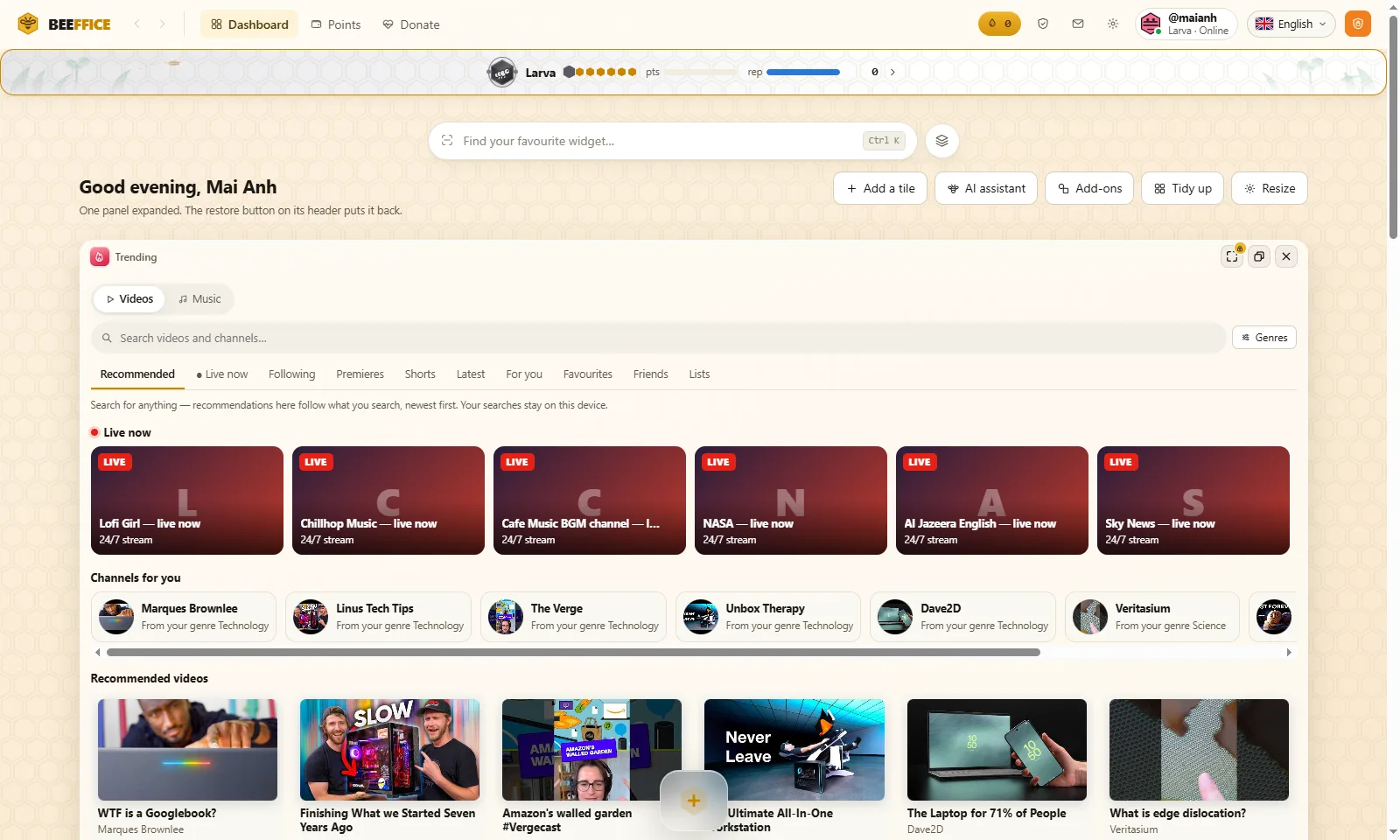
Trending videos from channels you choose
Live streams, recommendations and the channels you follow, in one panel.
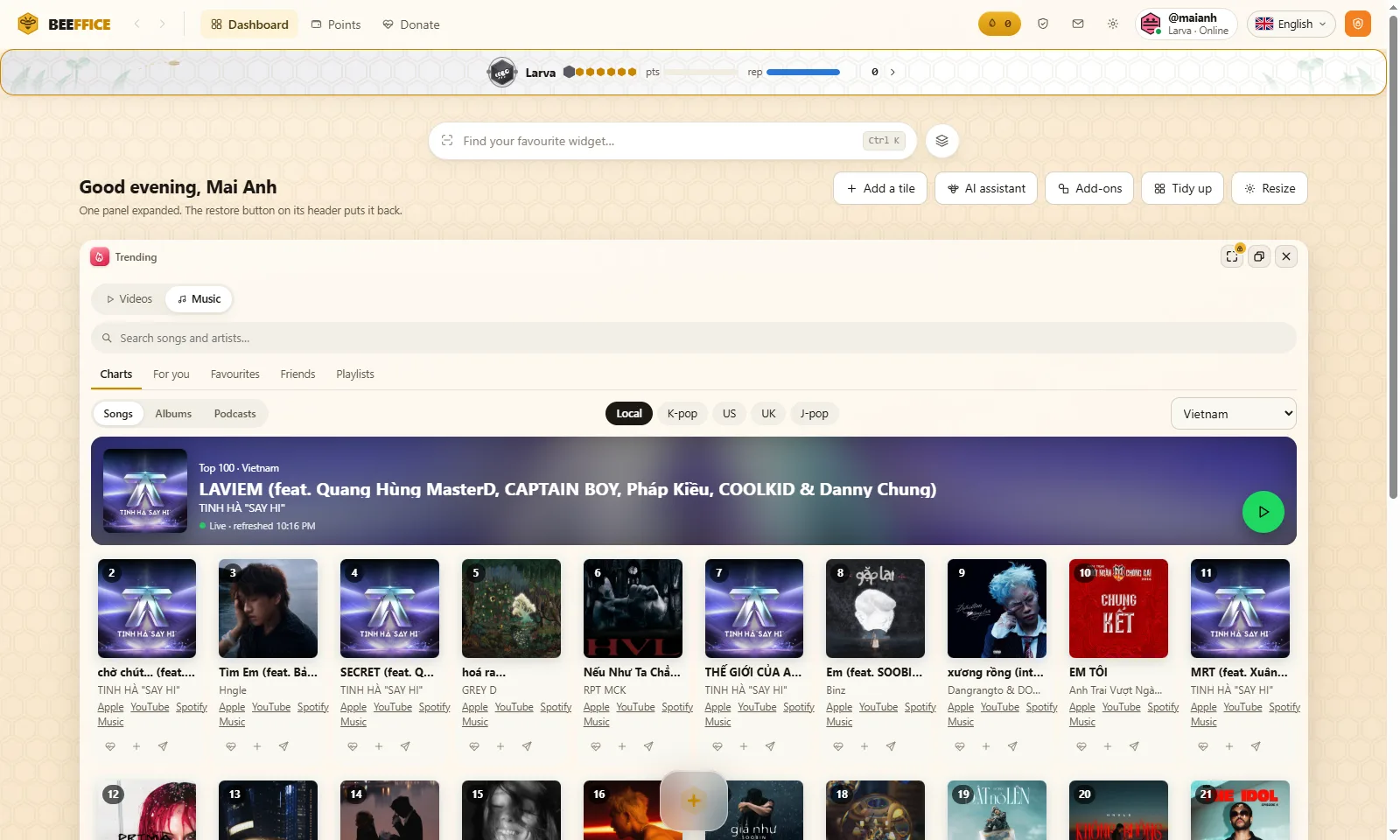
Music charts from your country
Top 100s, albums and podcasts, with links to Apple Music, YouTube and Spotify.
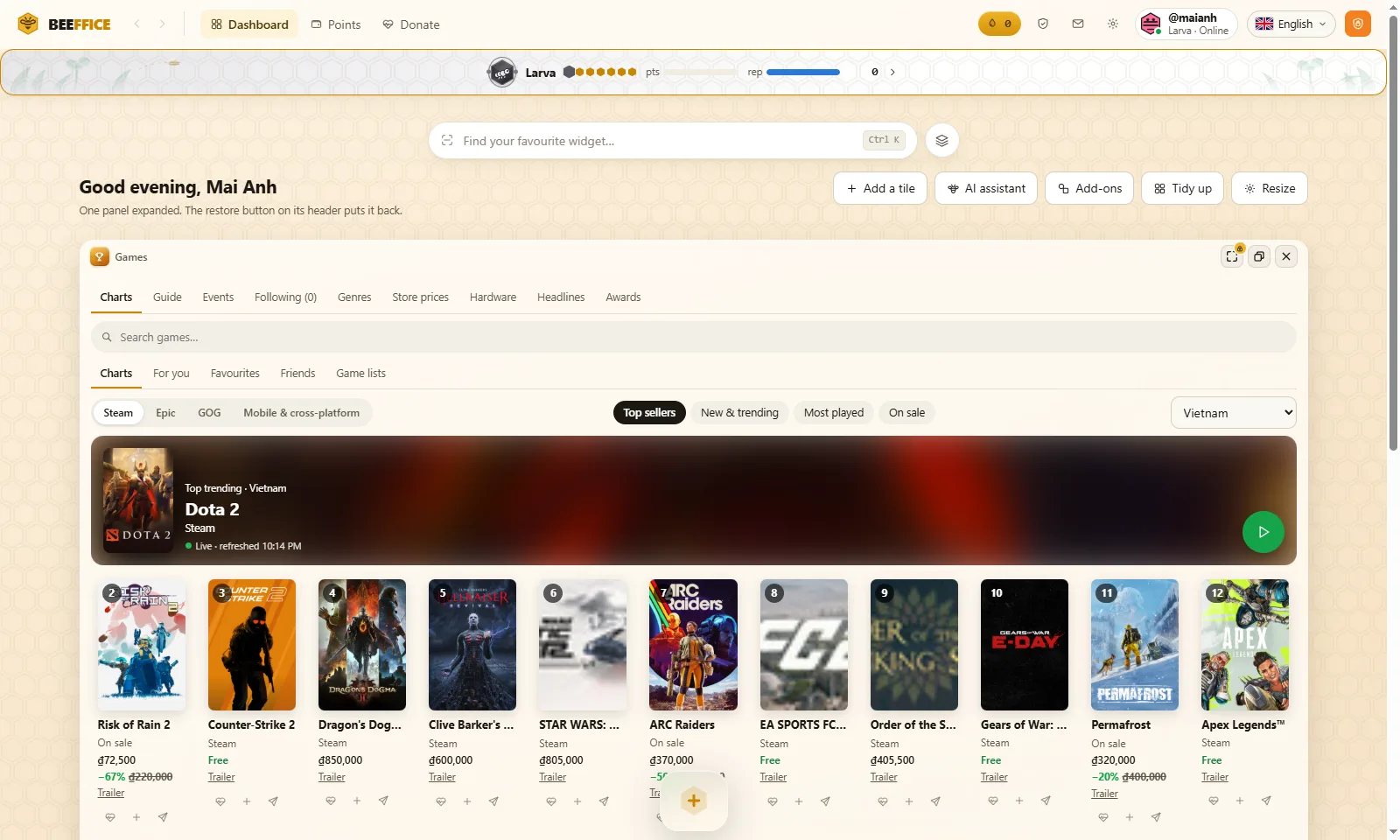
Games: charts, prices and trailers
What is selling and trending on Steam, Epic and GOG, in your currency.
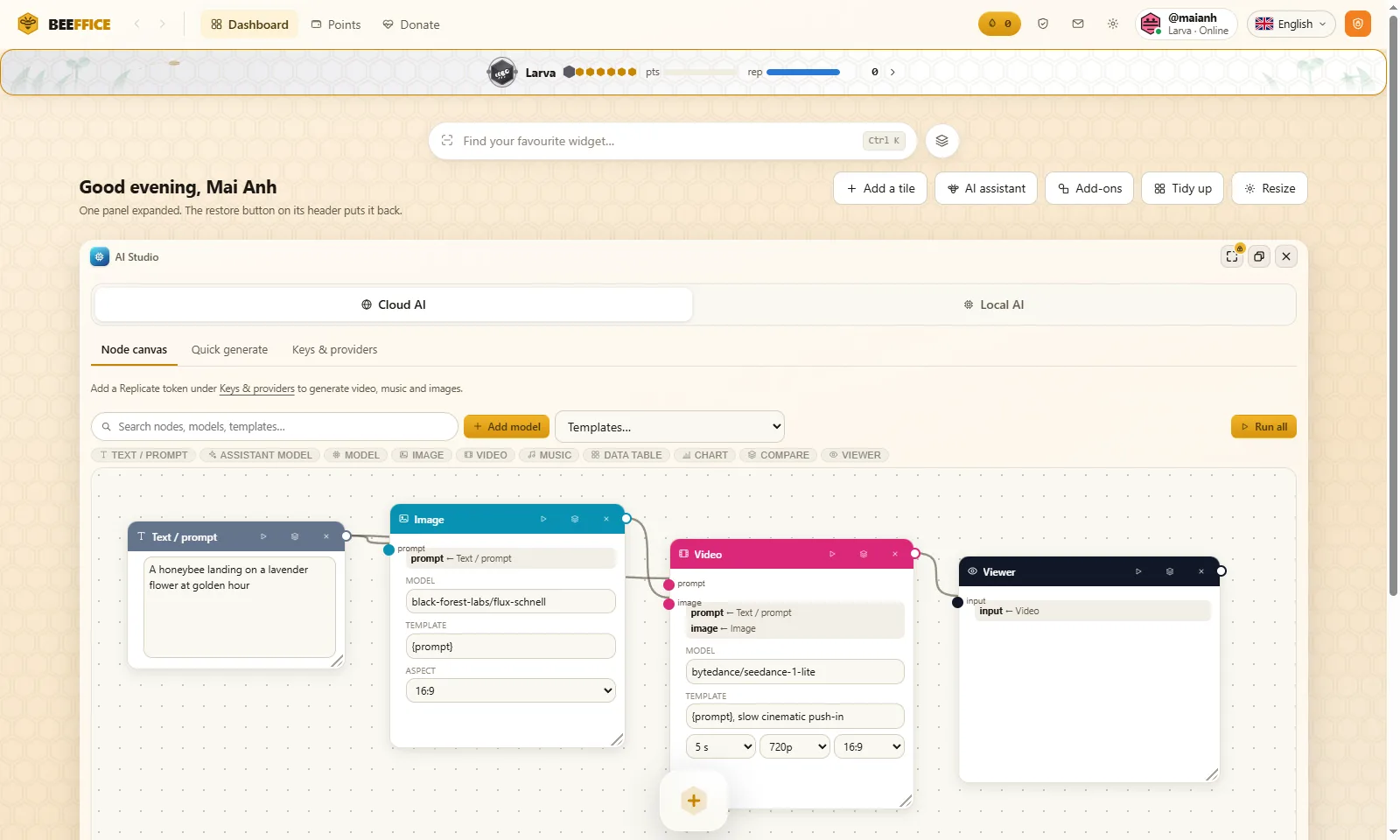
AI Studio
Chain models into images, video and music on a node canvas — with your own keys, or on your own PC.
- Your files stay on your PC
- No ad tracking, no data sold
- Signed automatic updates
- Free to use
Points you can account for
Earn points by using the app and completing missions; spend them to unlock premium panels and AI models for a few days. Higher ranks pay less. Every point is a line in a ledger you can read.
Questions
Is it free?
Yes. The tools are free; a few heavier panels and AI models are unlocked with points you earn in the app — never with money.
Why does Windows warn me when I install it?
The installer is not yet signed with a paid certificate, so SmartScreen says "Windows protected your PC". Choose More info → Run anyway. Updates are signed, and the app checks them.
Are my files uploaded?
No. Converting files, reading text, image tools and the game translator run on your PC. Only account features — points, mail, friends — talk to the server.
What about macOS, Android and iOS?
They are planned. Meanwhile the web app works in any modern browser.
Try it today
Free for Windows 10 and 11 — or open it in your browser.